
Storefront edits now reach customers 6× faster
An admin panel module that lets product owners run the credit card storefront themselves
Context
Gazprombank is one of Russia’s largest banks, with more than 5M monthly users across its mobile and web apps. Its admin panel is an internal CMS: the app screens are built from JSON files, and the panel is where those files get edited. Product teams request modules for their own flows, so they can fill in fields instead of editing files by hand
The credit cards team wanted a module like that for the storefront, the screens where a customer starts applying for a card. The goal was to ship changes faster and take the load off developers
The storefront in the app: card tile, promo screen, and card finder. App screens are in Russian, the way customers see them
My task
Design the module within the admin panel’s existing patterns: go through the JSON components with developers, turn their parameters into form fields, design the flows and screens. And connect the credit cards team with the admin panel team
How I approached it
- Figure out how the storefront gets edited today and where a module fits into that process
- Look at content editors in other admin panels and CMSs
- Match design system components to their JSON descriptions
- Map the customer journey for the main flows
- Build the mockups and hand them off to the admin panel developers
Finding the problem
I talked to the product owners and developers who work on the storefront and watched a few edits as they happened. I found three problems:
- Three files per card. Every card had its own JSON for iOS, Android, and web, so one edit had to be made three times, which took up to an hour
- A tangled JSON schema. Only a developer could make sense of it, so the product owner filed a ticket and waited
- No preview. Nobody saw the result until it went live, and typos got caught by customers
Competitive analysis
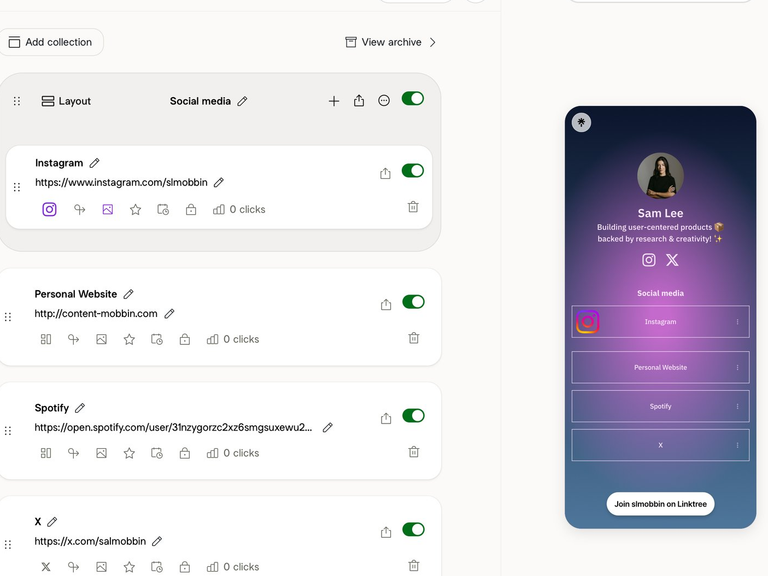
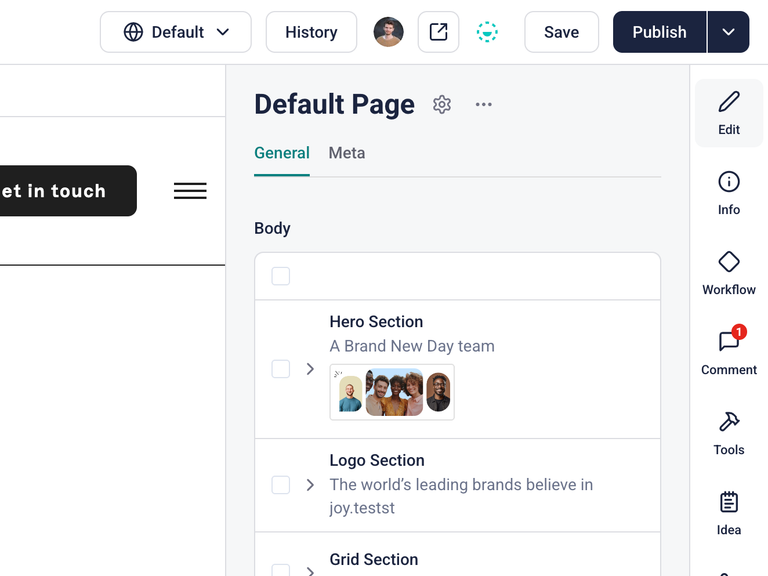
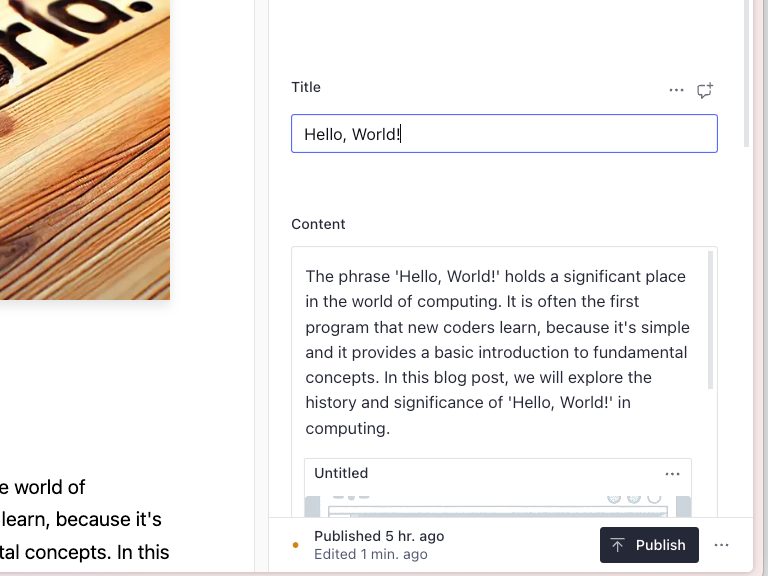
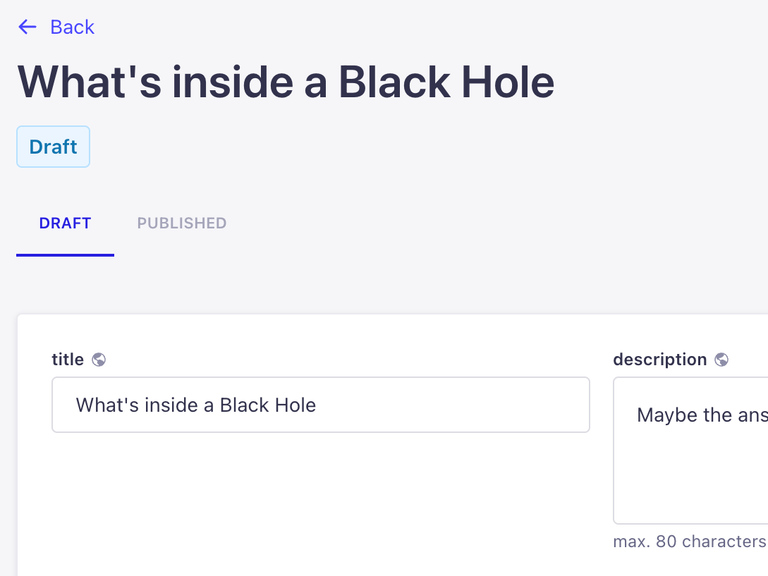
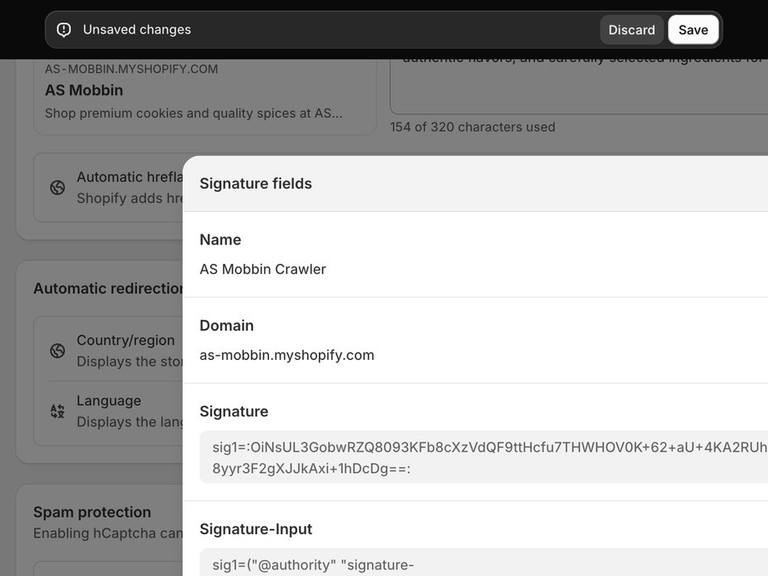
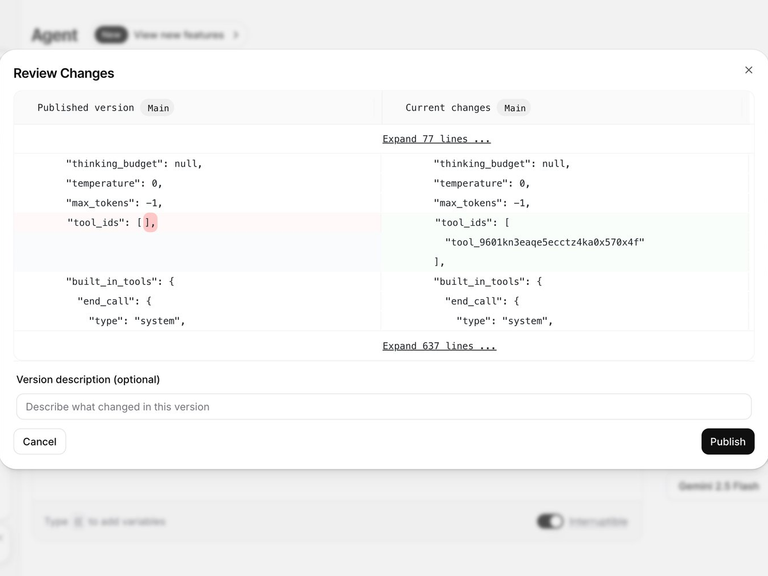
I went through content editors in CMSs and product admin panels. Here’s what made it into the module:
Module design
Based on the research I designed three parts of the module: the storefront editor, a list with activation, and a change log
Mapping JSON parameters to form fields
Screen goal. A product owner updates copy and terms on the card tile and the promo screen without knowing how the JSON is structured
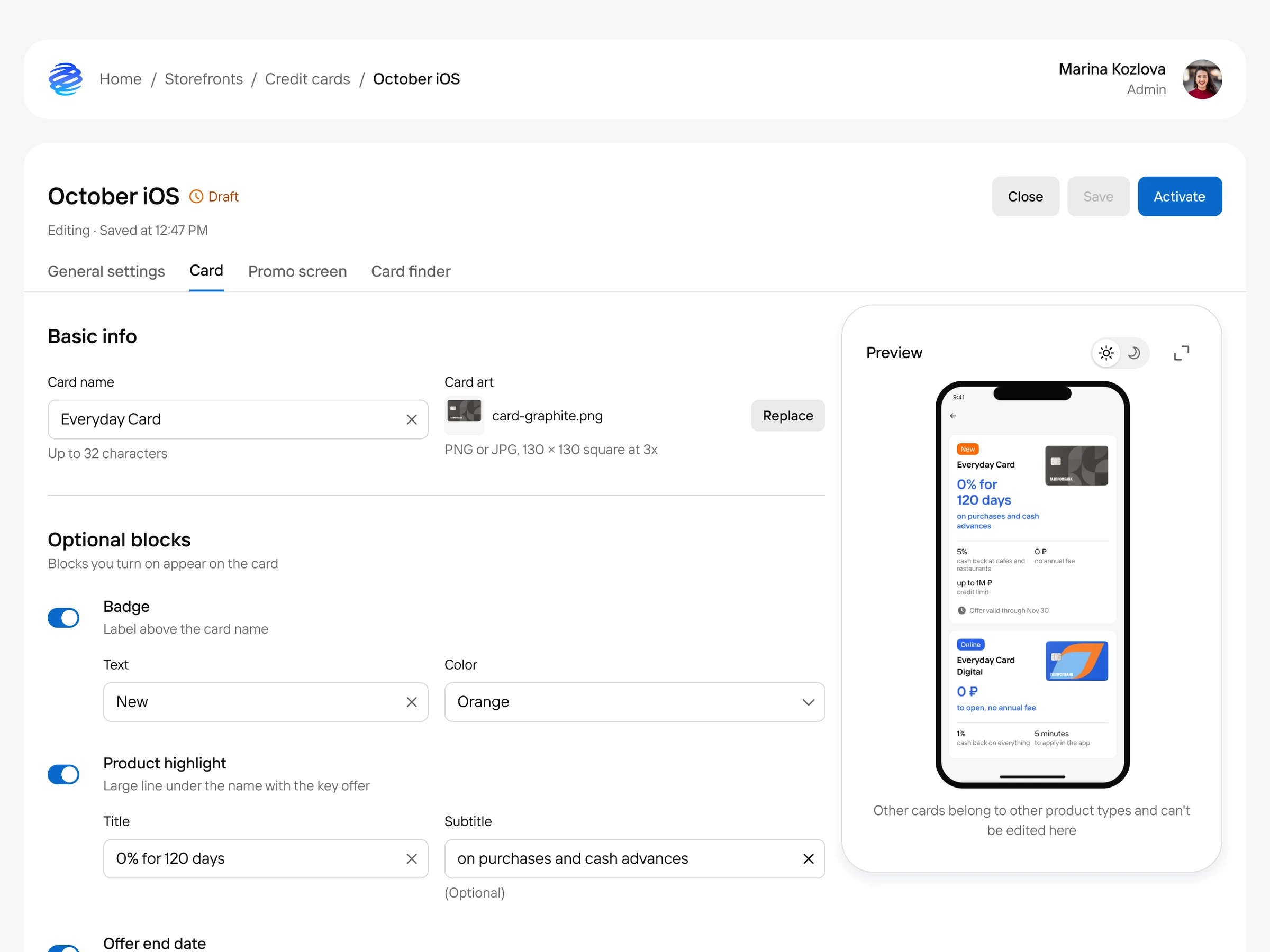
What I did. I walked through the JSON schema with developers and matched every parameter to something on screen. I named the form fields after what the customer sees: Title, Subtitle, Badge. Field type, required status, and limits come from the JSON parameters. I also added optional blocks that you turn on with a toggle: the admin panel adds a component template to the JSON, and all that’s left is to fill in the fields
The storefront editor: fields are named the way the customer sees them, and optional blocks turn on with a toggle
Statuses and activation
Screen goal. Find the right storefront, check the edit, and make it live for customers
What I did. I grouped storefronts in the list by product type and designed the statuses: a new storefront starts as a Draft and stays hidden from customers until it’s activated. Before activation there’s a Full preview that shows the screens exactly as a customer will see them, so typos surface before anything goes live
Storefront list, Full preview, and activating a Draft
Change log and JSON view
Screen goal. See who changed what in a storefront and check a specific edit when needed
What I did. Edits are collected in a change log, one version per entry. Any version opens as JSON with the differences from the previous one highlighted, so nobody has to compare files by hand
Change log and a version’s JSON with changes from the previous one
The result
- 1 hour → 10 minutes
- to ship a storefront edit
Before the module, we asked developers how long a JSON update took, and I watched a few edits live: it came out to about an hour. After launch we timed product owners: the edit itself took around five minutes, and another five went to waiting for the deploy
- Copy is written by the person who knows the context, without a developer in the middle
- Developers no longer drop sprint work to change one line in an FAQ
- Typos are visible before publishing: the preview shows the screen the way a customer will see it
- The change log keeps track of who changed what in every version
A storefront in the admin panel: what the product owner filled in on the left, the screen as a customer will see it on the right